
Everything Firefox does, with better defaults.
CryFox keeps the Firefox engine and extension support, and changes what it does out of the box. No telemetry, no sponsored content, no AI features.
Strict privacy, turned on.
The protections you would normally enable yourself are on from the first launch.
Strict tracking protection
Blocks trackers, cryptominers, known and suspected fingerprinters, and email trackers.
HTTPS-Only and DNS over HTTPS
Connections are upgraded to HTTPS and DNS lookups are encrypted by default.
uBlock Origin
The open-source content blocker is installed on first launch.
Fingerprinting options
Turn on ResistFingerprinting, letterboxing, or disable WebGL from the CryFox settings pane.
Private search
Brave Search is the default, with search suggestions and trending searches turned off.
Global Privacy Control
Tells websites not to sell or share your data, on every request.
What CryFox turns off.
Features that send data, show ads, or get in the way are disabled, and many are locked.
Telemetry and crash reports
Telemetry, studies, crash reporting, the health report and the updater are disabled.
AI features
AI chatbots, link previews, smart tab groups and translations are blocked, and AI Controls is removed.
Sponsored content
No stories, sponsored tiles, sponsored suggestions or default shortcuts on the new tab page.
Stored data
The password manager, form history, search suggestions and prefetching are off by default.
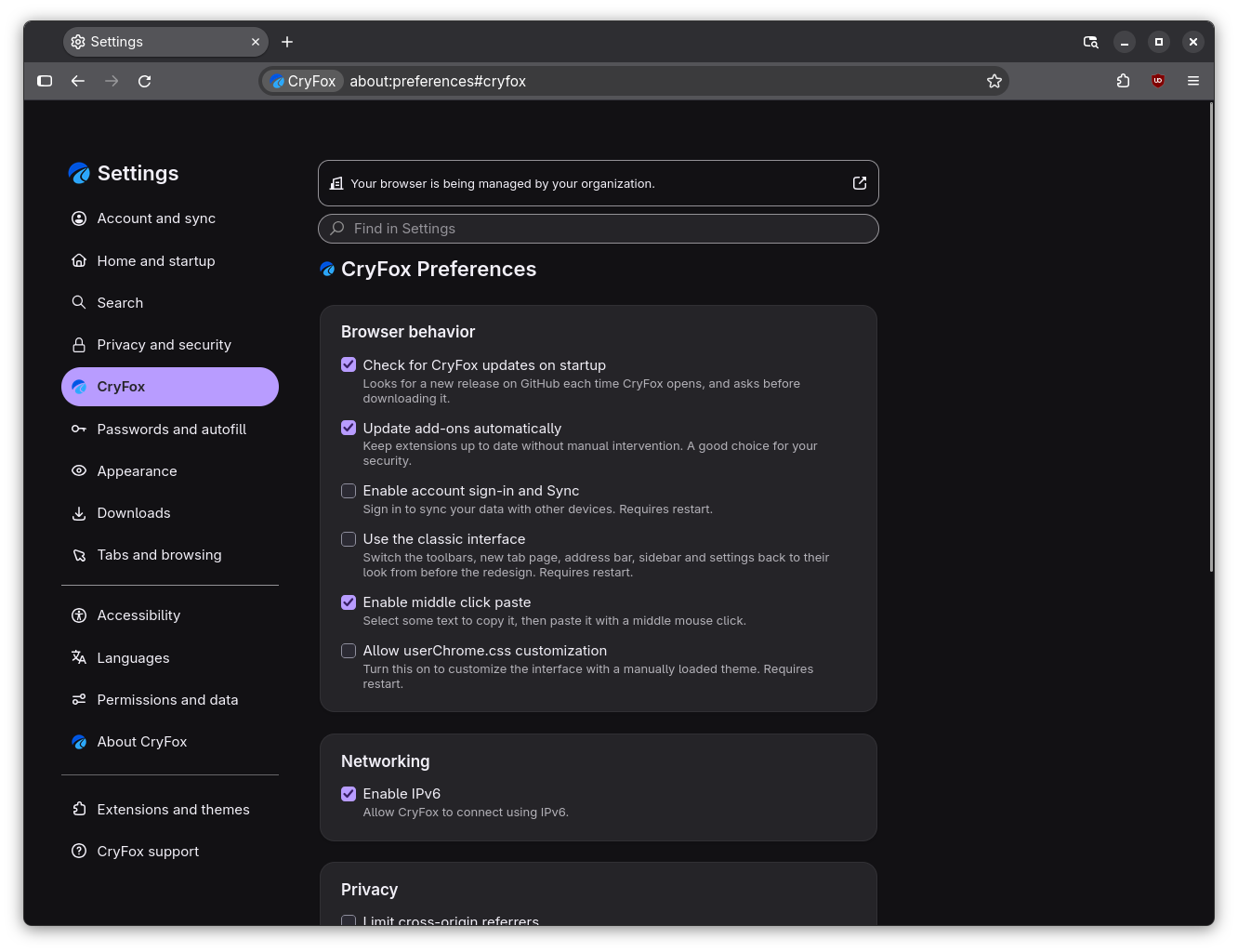
A settings pane of its own.
CryFox adds a pane to Settings for options that are otherwise buried in about:config.
- Account sign-in and Sync, off by default.
- Automatic add-on updates.
- IPv6 and cross-origin referrer controls.
- userChrome.css customization.
No onboarding.
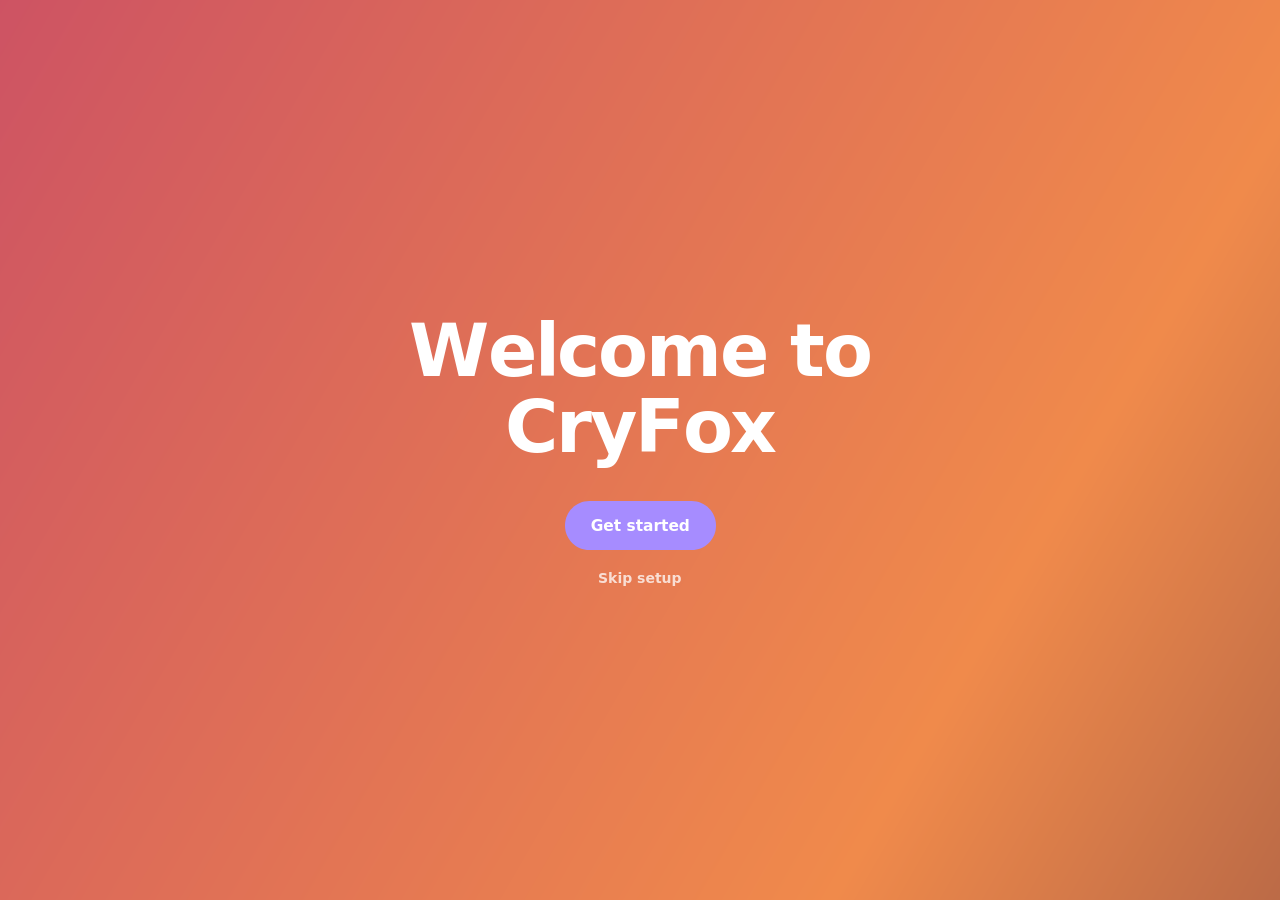
No tours, "What's New" pages or feature recommendations. A short welcome page helps you import your data, pick a theme and choose a search engine.
Ready to try CryFox?
Installers are coming with CryFox 0.0.1. Until then, you can build it from source.